VIDEO EDITING
Step 1 - First click on the clip in which you want are wanting to edited then double click on the video and drag the video on to the timeline
Step 2- double click and drug to scale up effects.
Step 3- go on to the effect and use the gaussian blur then drag the effects into the clip to let it do it effects.
Step 4- go on the the effect control and increase the blur between 40 and 50 on the same clip
Step 5-then drag the audio on the the timeline and make sure that they are sink to the video and when placed right on to the timeline and right click to set the frame in the right place .
My Brief
My brief for this term is to be able to finish my presentation at an acceptable level by the 12th of February. I will also try to catch up with all of my weekly plans which I have missed during being in lockdown as been staying at home as my Wi-Fi hasn’t been the best also, when I’m doing this I will be thinking and creating ideas for my FMP and doing research on good ideas to help me with the behind-the-scenes met connect.
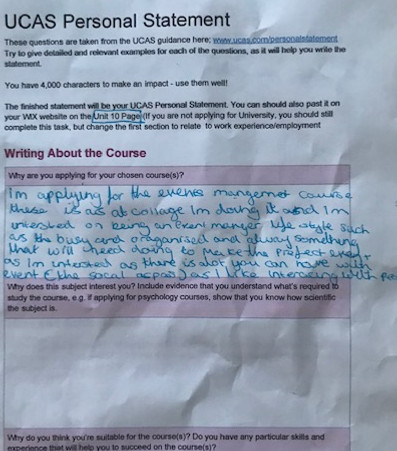
UCAS Personal statement